Announcing DealPing Home Screen Widgets
We're excited to announce one of our most requested features: Home Screen Widgets.
DealPing was built to help you catch great deals the second they hit. While push notifications are great, sometimes you just want a quick glance at what's trending without opening an app.
Our new widgets bring the high-signal "Hot Deals" feed directly to your home screen, keeping the best of OzBargain just a glance away.
Why Widgets?
In a world of information overload, we wanted to create a way to consume deals that felt lightweight and non-intrusive. Widgets are the perfect medium for this:
- Zero-click access: See the top 3-5 trending deals instantly.
- Always fresh: Automatically updates in the background.
- Battery efficient: Built using native widget frameworks to ensure minimal impact on your device.
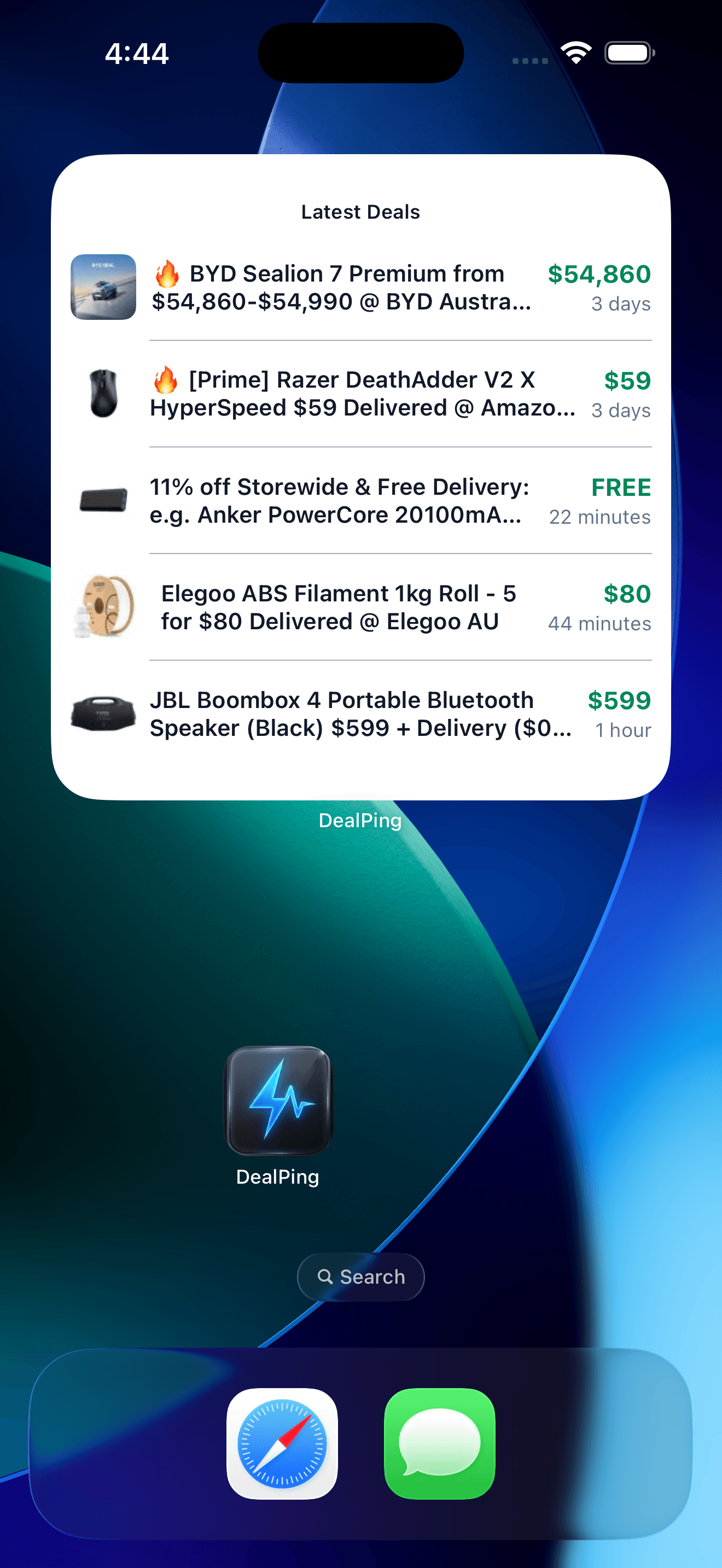
Glanceable snippets
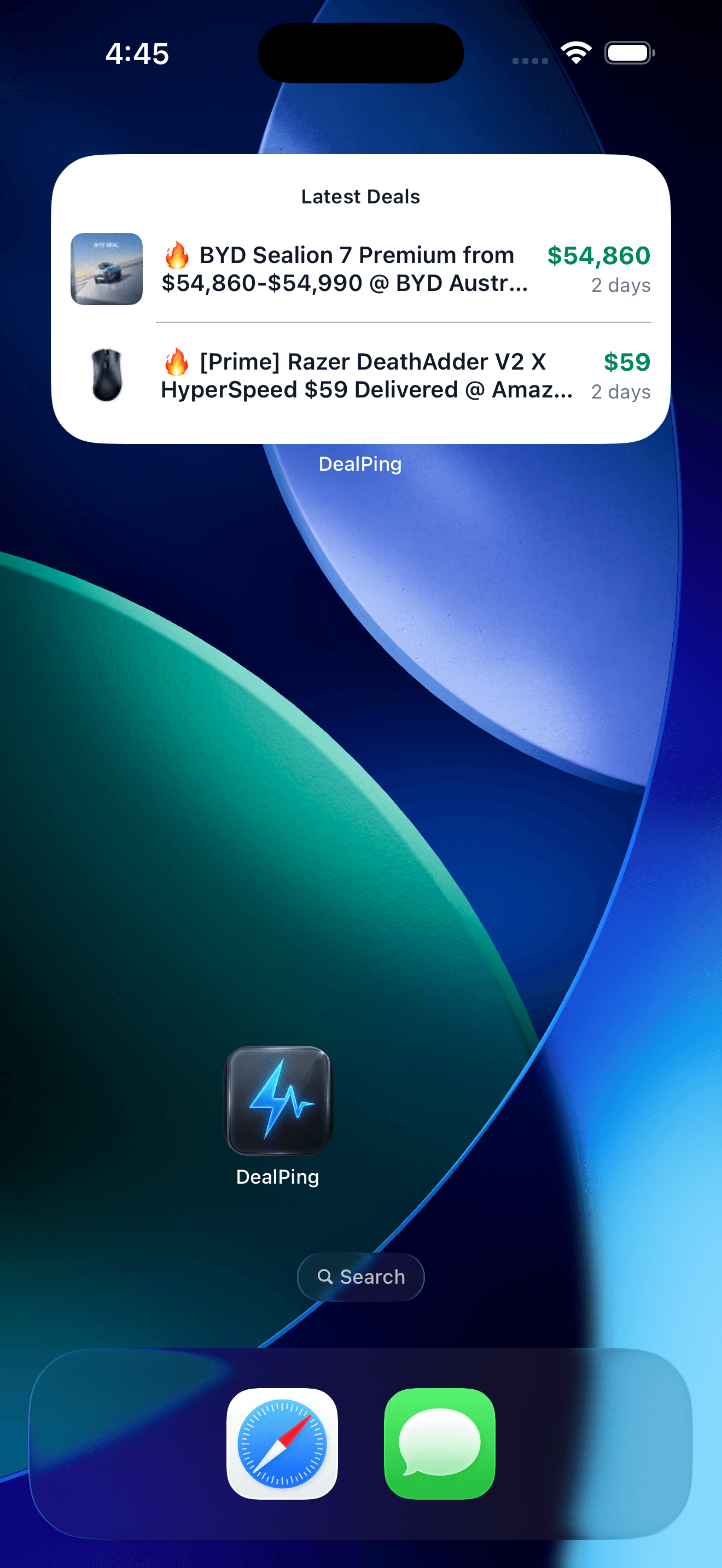
The sweet spot
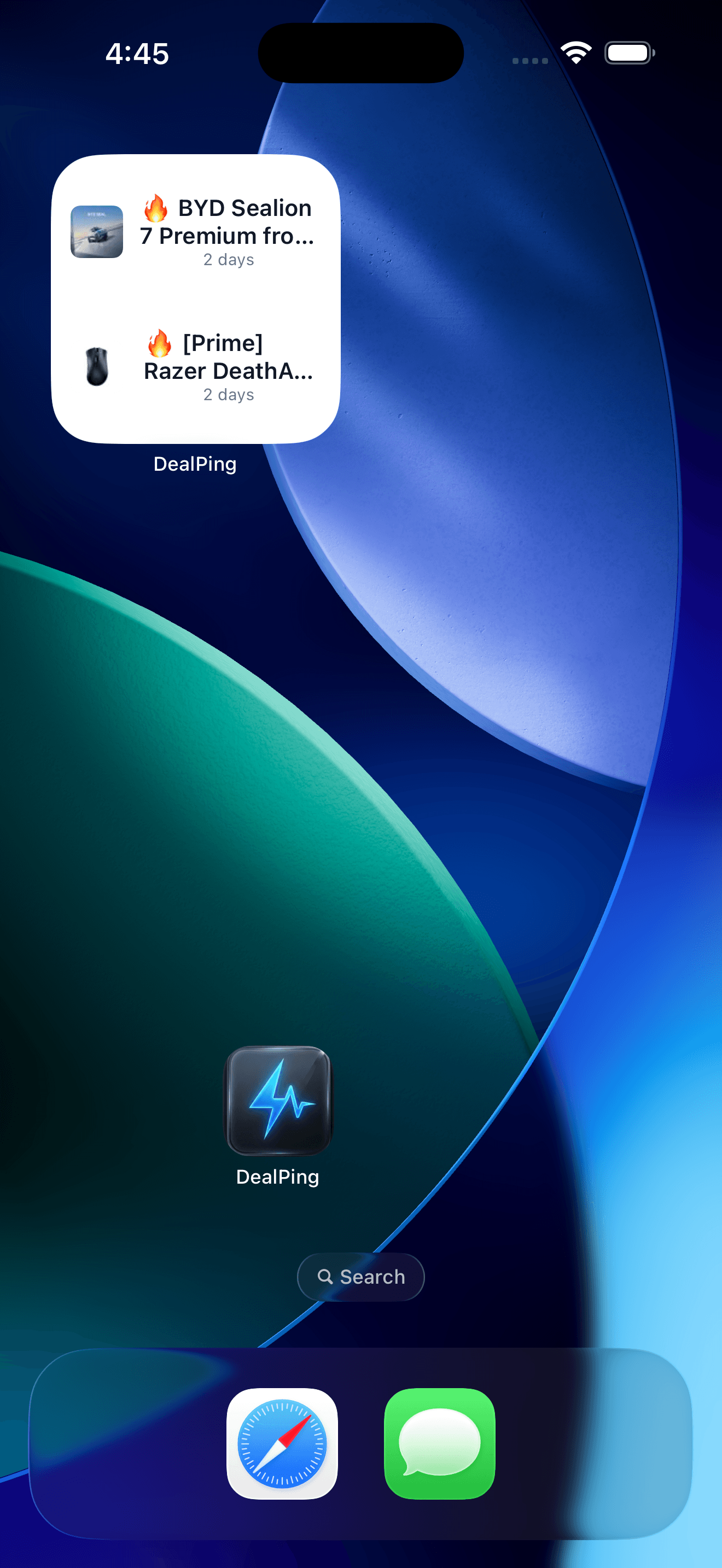
Full deal feed
How to add them
If you have the latest version of DealPing installed, adding widgets is easy:
On iOS
- Long-press any empty area on your home screen until the apps jiggle.
- Tap the + button in the top-left corner.
- Search for "DealPing" and choose your preferred size.
On Android
- Long-press an empty space on your home screen.
- Tap Widgets.
- Scroll to "DealPing" and drag the widget to your desired location.
What's next?
This is just the first version of our widget engine. We're already working on:
- Keyword-specific widgets: See only deals that match your custom alerts.
- Interactive refreshes: Tap to force a poll of the latest listings.
- Theme parity: Full support for dark mode and dynamic colors.
Download the latest update today and let us know what you think!